
Shopify Product Video: Paste a Link, Get a 9:16 Ad
Your Shopify product page already holds what an ad needs: the name, the description, the price and the photos. Paste its link and the studio reads them, saves the product to your library and writes a product demo with the product as the hero, drawn from your store's photos. There's no app to install and no store access to give: it reads the public page.

How it works
- 01
Drop your product
Up to 4 photos, or the link to its product page: the name, the description and the photos come in by themselves.
- 02
Read the script
It's written for free, shot by shot. Change anything with a one-line note; the price in credits shows before you pay.
- 03
Get the ad
The shots are drawn, your product from its photos, then voiced, animated and cut with captions: a 9:16 ad in about 3 to 10 minutes.
Why make it with Dokiri
One link, the whole product
The name, description, price and photos come from the product page, so there's nothing to retype.
No app, no login to share
Nothing to install in your store: the studio reads the page any customer can see.
Your store's photos, respected
Every shot that shows the product is drawn from them, told to keep its shape, colours, label and logo.
Your product copy sets the limits
The ad claims only what your product description says, and names no price other than yours.
Fix what the page gets wrong
The imported name, description and price can be edited before the ad is written.
A library of your products
Each product is saved with its first ad, ready for the next format or the next language.
Who makes these videos
Shopify merchants
Give each product you advertise its own video, made from its own page.
Shopify agencies and freelancers
Make ads for a client's products from their links, without asking for access to the store.
New stores
Have a video ad for your first products before you've organized a single shoot.
Stores in several languages
Make the same product's ad in each language your store sells in.
With Dokiri or by hand
Getting the product in
With DokiriPaste the link: name, description, price and photos are read for you.
By handDownloading the photos and copying the description into a brief.
Footage
With DokiriDrawn from your store's photos.
By handA shoot, with the product sent to the studio and back.
Script
With DokiriWritten for free from your product description.
By handBriefed to an agency and revised over several rounds.
Voice and captions
With DokiriA narrator and word-by-word captions included.
By handA voice-over to record and captions to time in an editor.
The next product
With DokiriAnother link, the same steps.
By handAnother brief, another shoot.
Definition
Shopify product video
A Shopify product video is a short video about one product from a Shopify store, used to advertise it on social feeds or to show it in its store. Made from the product page itself, it reuses the store's photos and description.
Frequently asked questions
Do I need to install a Shopify app?
No. Paste the product page's link and the studio reads its public data. It never asks for access to your store.
Which link should I paste?
The address of the product page, the one with /products/ in it, as a customer sees it.
What if the import misses something?
Edit the name, description and price before the ad is written, and add or remove photos, up to four.
Can Dokiri add the video to my store?
No. You download the 9:16 video and use it where you like: in your ads, on TikTok, Reels and Shorts, or among your store's media.
Does it work with shops that aren't on Shopify?
Most shops that publish their product data can be read the same way. Some marketplaces don't let their pages be read: drop the photos instead.
More formats and tools
 Product Video Ad GeneratorPopularDrop your product photos or paste its link and get a 9:16 video ad that makes it the hero: close-ups, details, a voice-over and captions.AI videoTry it
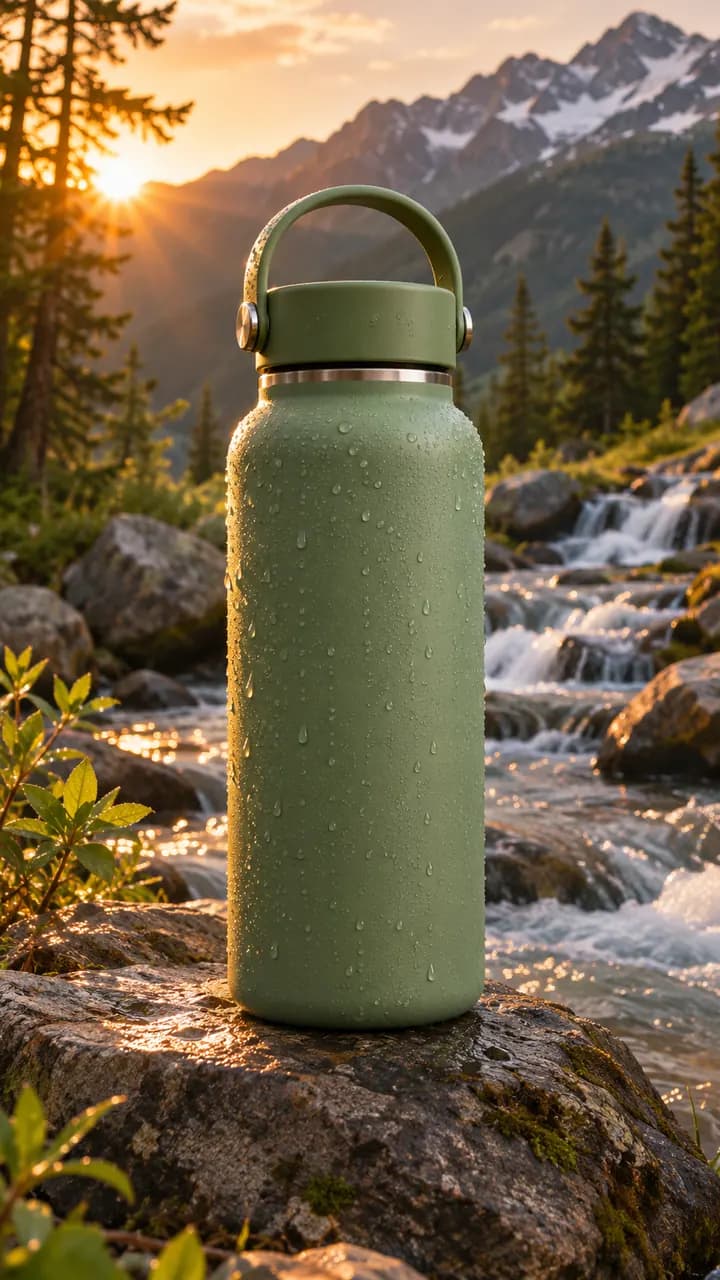 E-commerce Video Ad MakerAdd a product from your store and get a 9:16 ad giving three numbered reasons to buy it, each with its own shot, taken from your description.AI videoTry it
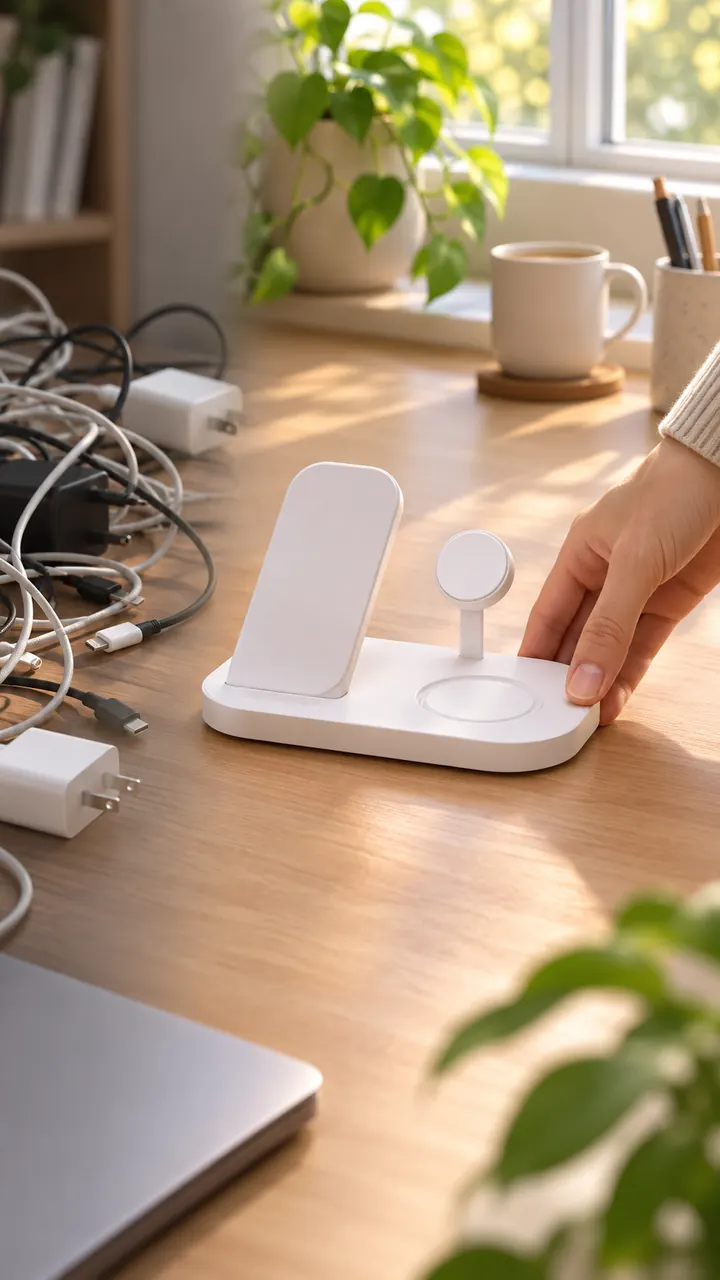 Dropshipping Video Ad GeneratorNewTurn your product's photos or store link into a 9:16 problem-solution ad, with no sample to order and film. Read the script for free first.AI videoTry it
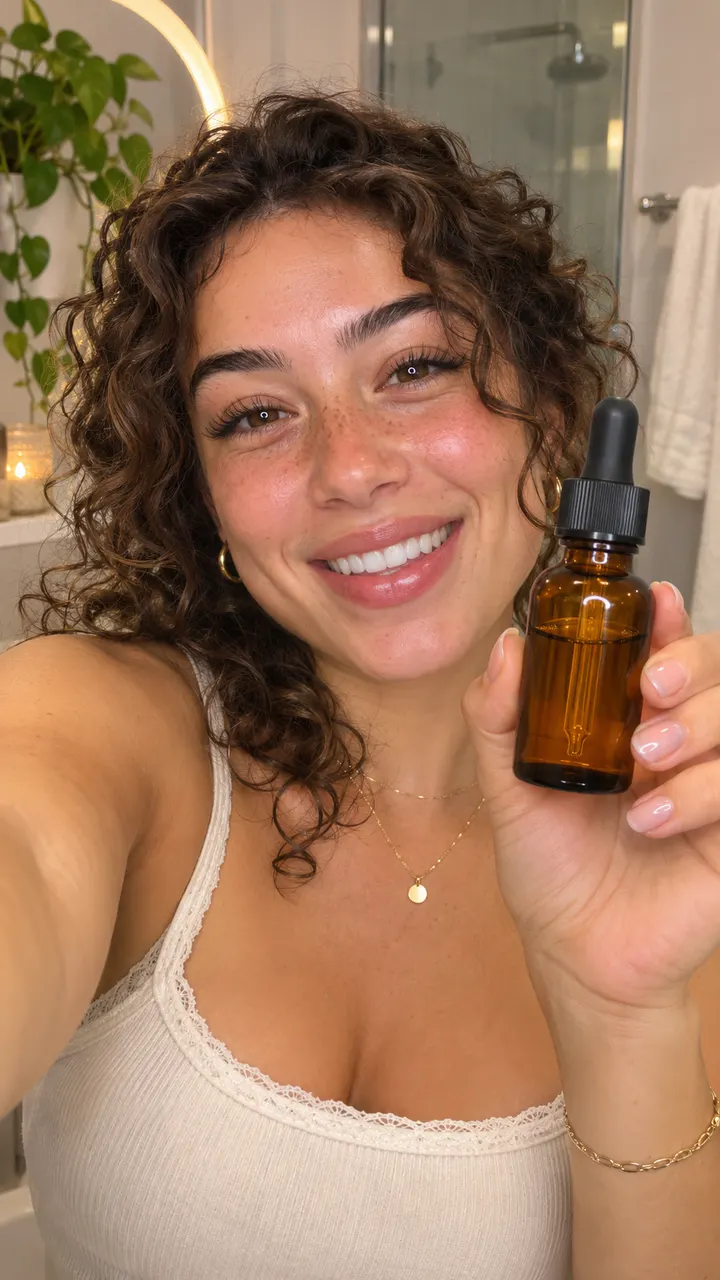 TikTok Ad GeneratorTurn your product into a 9:16 TikTok ad: a hook in the first two seconds, the problem it solves, the product by the third shot and captions on.AI videoTry it
 Facebook Video Ad GeneratorShow your product in the everyday life of the people who'd buy it: a 9:16 lifestyle ad for Facebook and Instagram Reels and Stories placements.AI videoTry it
 Product Photo to VideoDrop up to four product photos and get a 9:16 video ad: every shot of the product drawn from them, then animated, voiced and captioned.AI videoTry it