
Product Photo to Video: From Still Photos to a 9:16 Ad
Still photos are what most products already have. Drop up to four, such as the front, the back, the label and the product in use, and the studio turns them into a product demo: it describes the product as your photos show it, draws each shot from them with the instruction to keep its shape, colours, label and logo, then animates the shots with slow, steady camera moves. A narrator voices the script and captions follow every word.
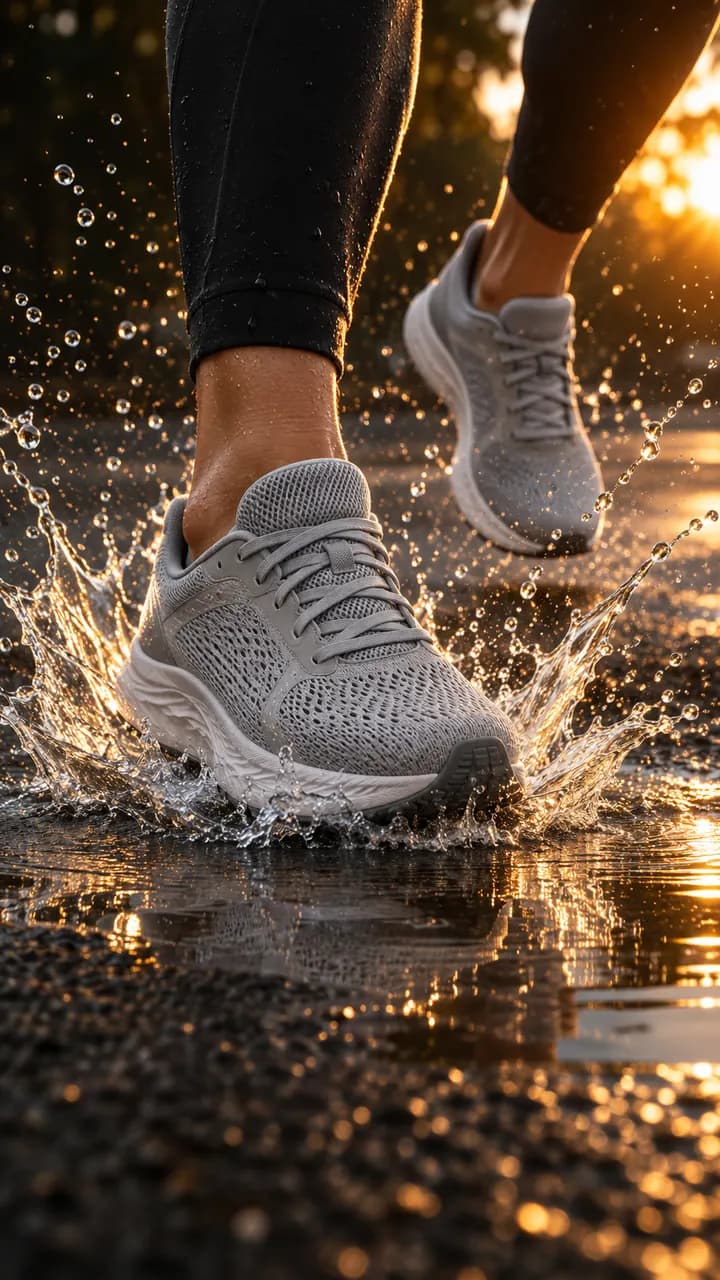
How it works
- 01
Drop your product
Up to 4 photos, or the link to its product page: the name, the description and the photos come in by themselves.
- 02
Read the script
It's written for free, shot by shot. Change anything with a one-line note; the price in credits shows before you pay.
- 03
Get the ad
The shots are drawn, your product from its photos, then voiced, animated and cut with captions: a 9:16 ad in about 3 to 10 minutes.
Why make it with Dokiri
Four photos are enough
Front, back, label, in use: each angle you add gives the studio more of the product to draw from.
Your label stays yours
Shots are told to keep the text and logo on your product as photographed, and to put no other logo in the picture.
Motion that respects the product
Shots are animated with slow, steady camera moves, told to keep the product's shape and colours as it moves.
Phone photos work
JPG, PNG, WebP or HEIC, at least 300 px on the shorter side. Sharp photos on a plain background work best.
From packshot to scene
Close-ups on materials and details, the product in use and a final hero shot, all from the same few photos.
Standard or Premium
Premium animates the shots with smoother motion and costs more credits; the exact price shows before you pay.
Who makes these videos
Sellers with only photos
Turn the packshots on your product page into a video without filming anything.
Makers and craftspeople
Phone photos of a handmade piece become a narrated ad.
Marketplace sellers
Drop the photos from your listing when its page can't be imported.
Brands with a photo library
Give your existing product photography a second life as video ads.
With Dokiri or by hand
Starting point
With DokiriThe photos you already have, up to four.
By handA video shoot, even though the photos exist.
Motion
With DokiriEach shot animated with slow, steady camera moves.
By handPans and zooms keyframed by hand over still photos.
New angles
With DokiriClose-ups, details and in-use shots drawn from your photos.
By handOnly the angles your photos show, or a reshoot.
Voice and captions
With DokiriA narrator and word-by-word captions.
By handRecorded and captioned separately.
Time
With DokiriMinutes after you pay.
By handAn afternoon in an editor for one video.
Definition
Photo to video
Photo to video means turning still images into a moving video. For a product, AI can draw new shots from its photos, such as close-ups or the product in use, and animate them, rather than only panning across the original pictures.
Frequently asked questions
How many photos do I need?
Up to four per product. Different angles and a clear view of the label give the studio more to draw from.
What makes a good product photo for this?
Sharp, well lit, on a plain background, with the product filling most of the frame. Each photo needs at least 300 px on its shorter side.
Will the video look exactly like my photos?
Each shot is drawn from them, not copied: the product is told to keep its shape, colours, label and logo while the scene around it changes. You read every shot before you pay.
Standard or Premium?
Both animate every shot. Premium gives smoother motion and costs more credits; you see the exact price before you choose to make it.
Is turning a photo into a video free?
Writing the script and every shot is free once you sign in with your email. Making the video costs credits.
More formats and tools
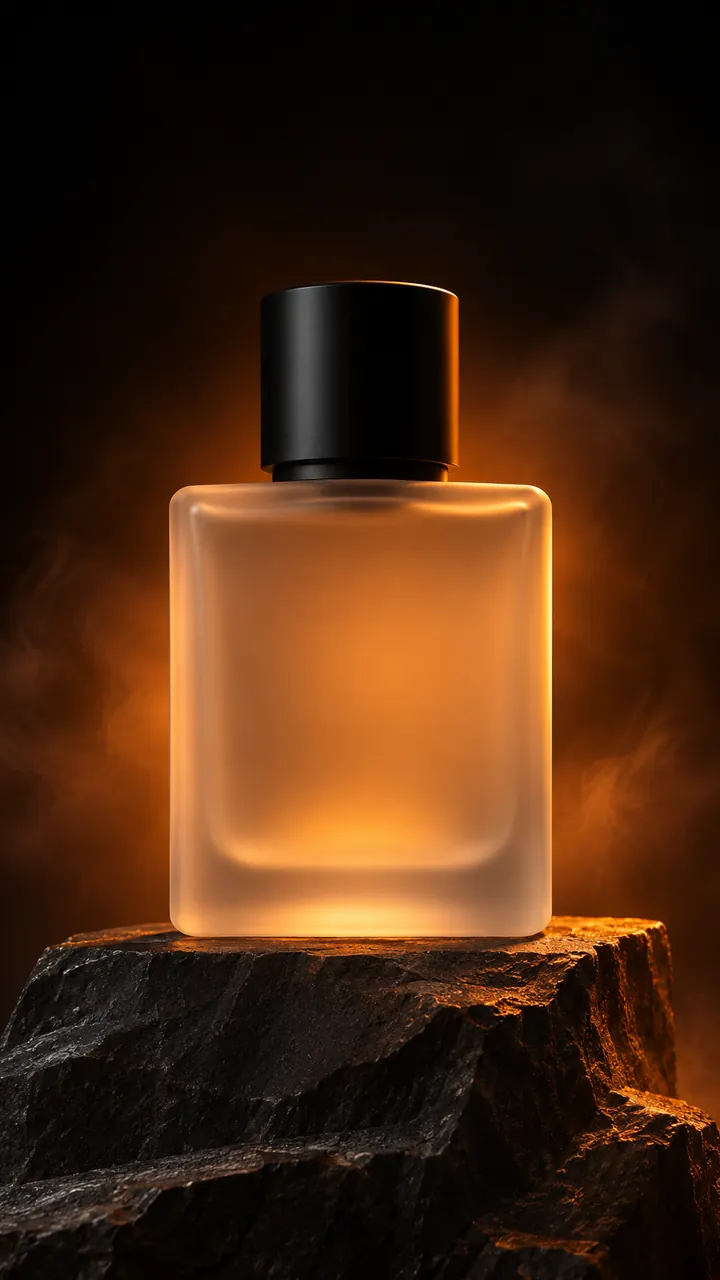 Product Video Ad GeneratorPopularDrop your product photos or paste its link and get a 9:16 video ad that makes it the hero: close-ups, details, a voice-over and captions.AI videoTry it
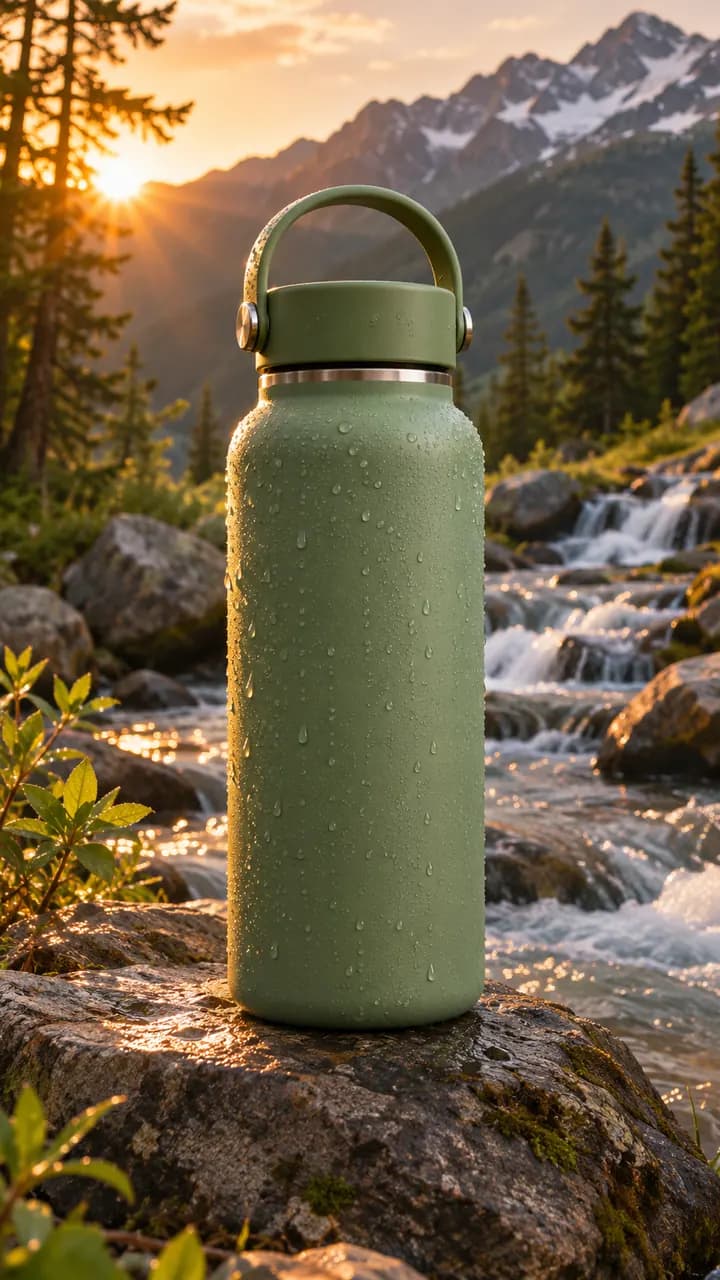 E-commerce Video Ad MakerAdd a product from your store and get a 9:16 ad giving three numbered reasons to buy it, each with its own shot, taken from your description.AI videoTry it
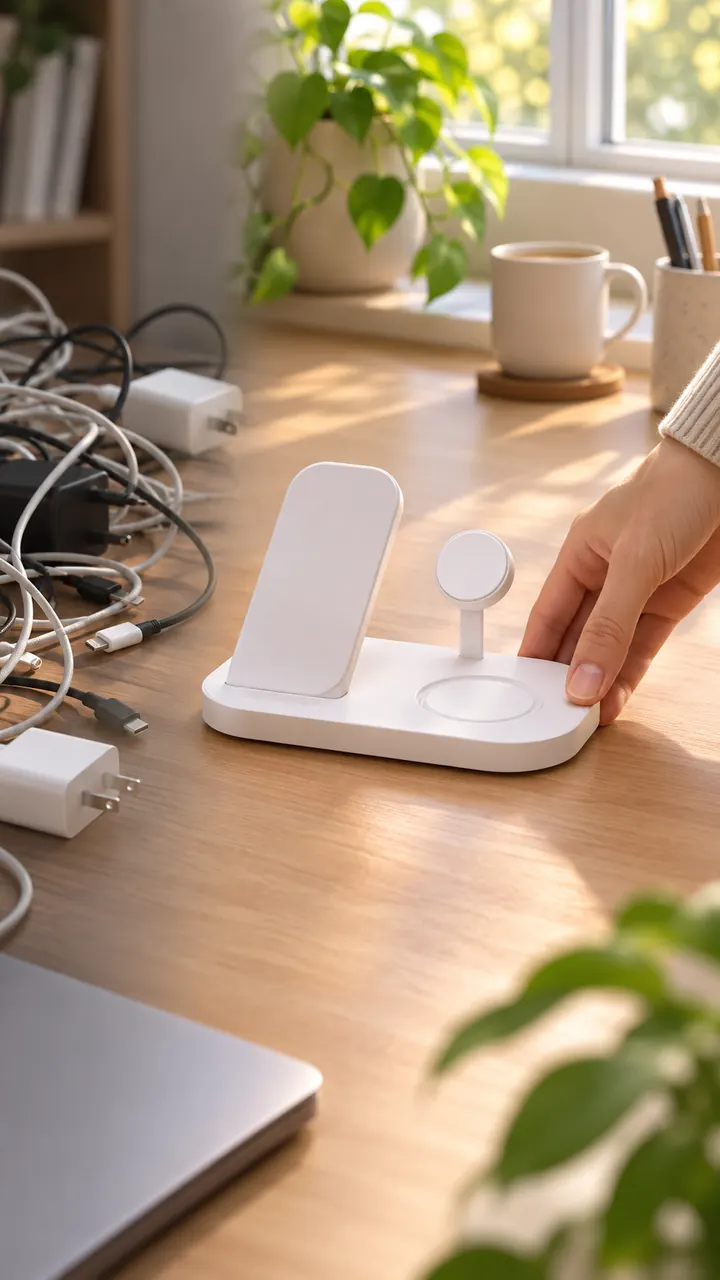 Dropshipping Video Ad GeneratorNewTurn your product's photos or store link into a 9:16 problem-solution ad, with no sample to order and film. Read the script for free first.AI videoTry it
 Shopify Product Video MakerPaste a Shopify product link: its name, description, price and photos are imported and turned into a 9:16 video ad with a voice-over and captions.AI videoTry it
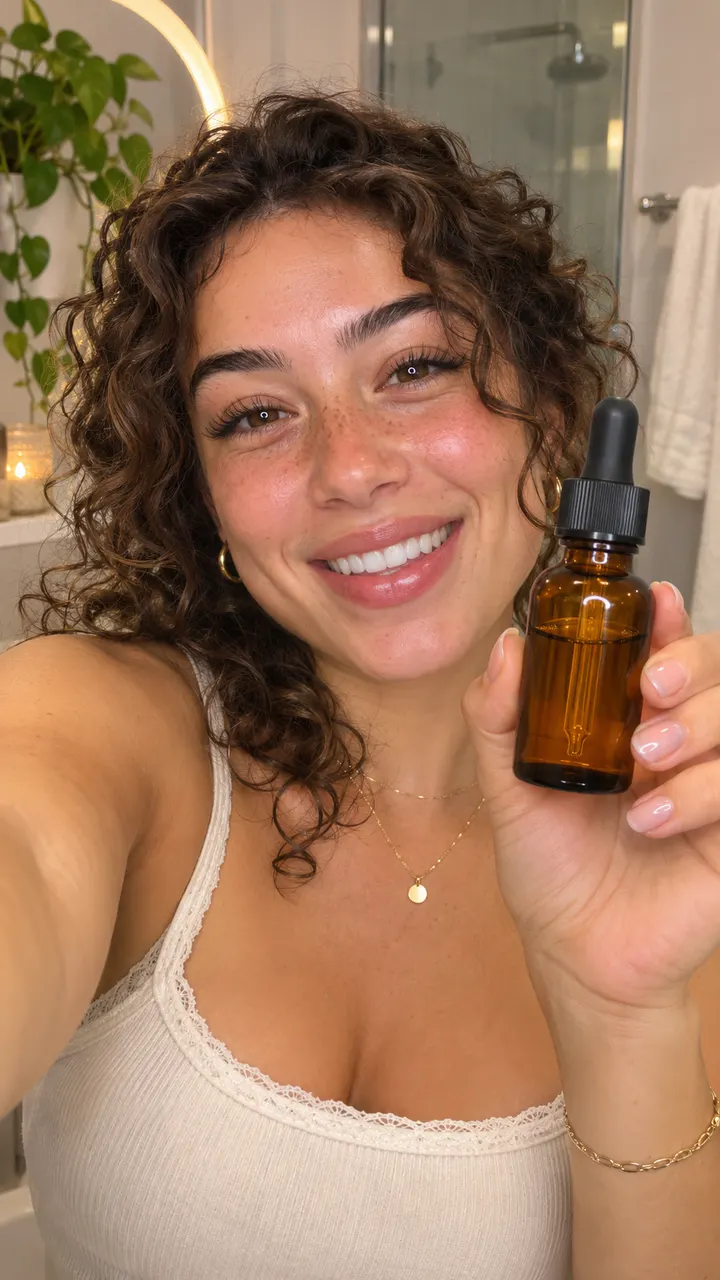 TikTok Ad GeneratorTurn your product into a 9:16 TikTok ad: a hook in the first two seconds, the problem it solves, the product by the third shot and captions on.AI videoTry it
 Facebook Video Ad GeneratorShow your product in the everyday life of the people who'd buy it: a 9:16 lifestyle ad for Facebook and Instagram Reels and Stories placements.AI videoTry it